One engine per project
A project is exactly one hyphae serve on a loopback port with its own directory. No shared kernel, no tenant identifiers inside the engine or its WAL. The engine is pinned at 3.0.0 and any other version is refused.
Learn moreHyphae Cloud · in development
Hyphae Cloud runs one Hyphae Native process per project, each owning one data directory, and puts authentication, routing, limits, and lifecycle control in front of it. The Cloud stores no project data itself: Native is the only durable authority for a project's data.
Read the docshyp1_…How it works
hyp1_…A project is exactly one hyphae serve on a loopback port with its own directory. No shared kernel, no tenant identifiers inside the engine or its WAL. The engine is pinned at 3.0.0 and any other version is refused.
Learn moreYour account session (24 hours, this browser or CLI) owns projects, keys and lifecycle. A project key (hyp1_…) authorizes the data plane and nothing else; it is verified at the proxy on every request and never forwarded to the engine. Revocation holds on the very next request.
Learn moreWake starts the engine — initializing the directory on first start — and sleep terminates it gracefully, keeping the directory. head reports what the running engine says about itself; the Cloud computes no digest of its own.
Learn moreA snapshot is a verified Native backup of a sleeping project, made and checked by hyphae backup create. Restore puts one back into a fresh directory, replacing the project's data; the previous directory is kept aside. Not a branch, not a point-in-time view.
Learn moreObject storage with a Cloud-side catalog and bytes in a blob backend. Realtime as an ephemeral, in-process fanout over Server-Sent Events. Edge functions as one JS/TS file per function, run as a time-boxed process with owner-set secrets. Each is labelled with exactly what it is not.
Learn moreThe proxy is the only authentication on the data plane, and it holds only for traffic that arrives through it. Public traffic is always behind TLS and the proxy; no engine ever binds a non-loopback address. The boundary is documented, not implied.
Learn moreThe Studio
The Studio is a static bundle that calls the same public routes you can call with curl or hcloud, with your own session and project key. It holds no server-side state and cannot widen what the control plane accepts. Everything it shows, it shows under Native's own field names.
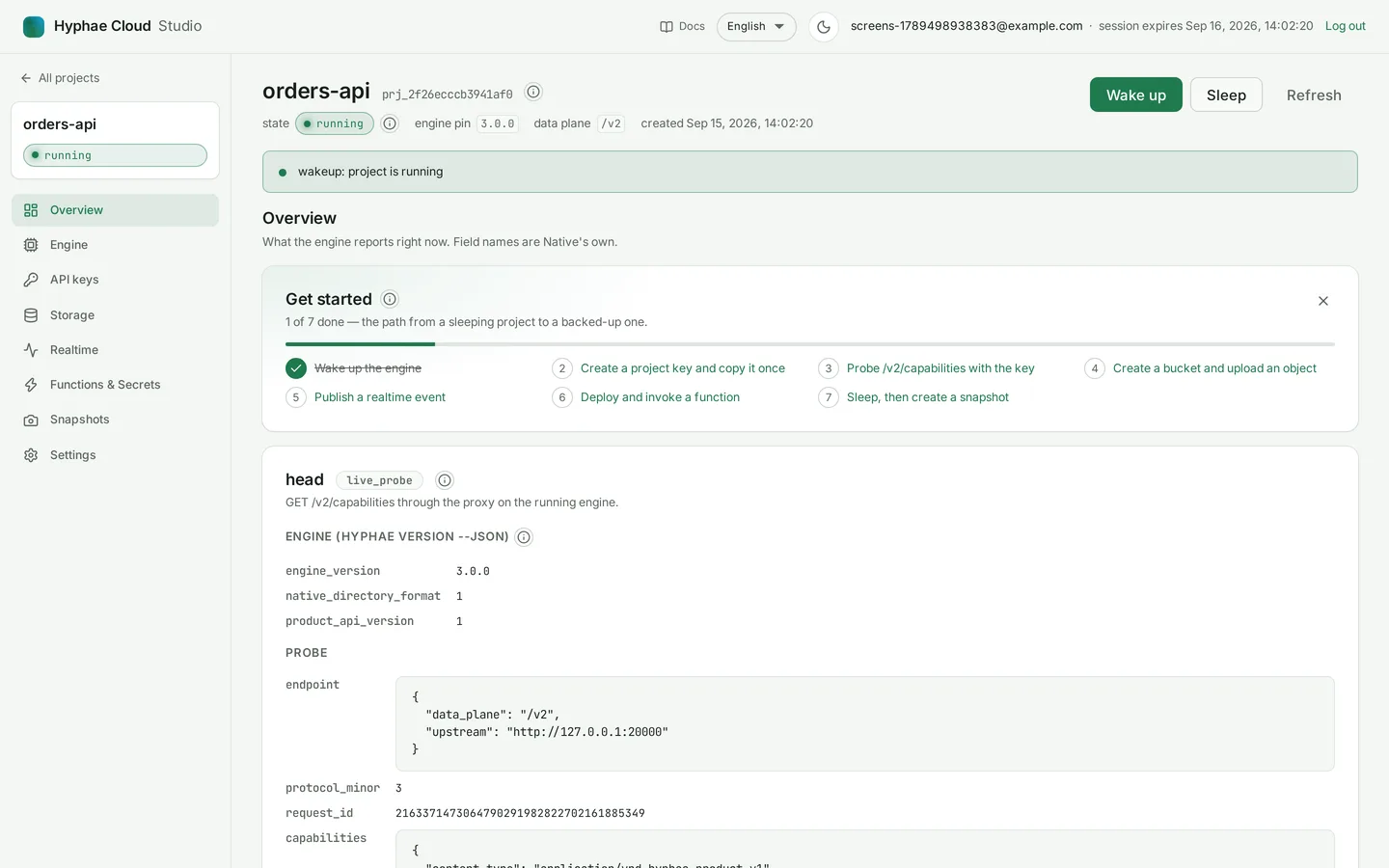
Project state, the engine's own version and capability fields, and an onboarding checklist that ticks itself off as you go.
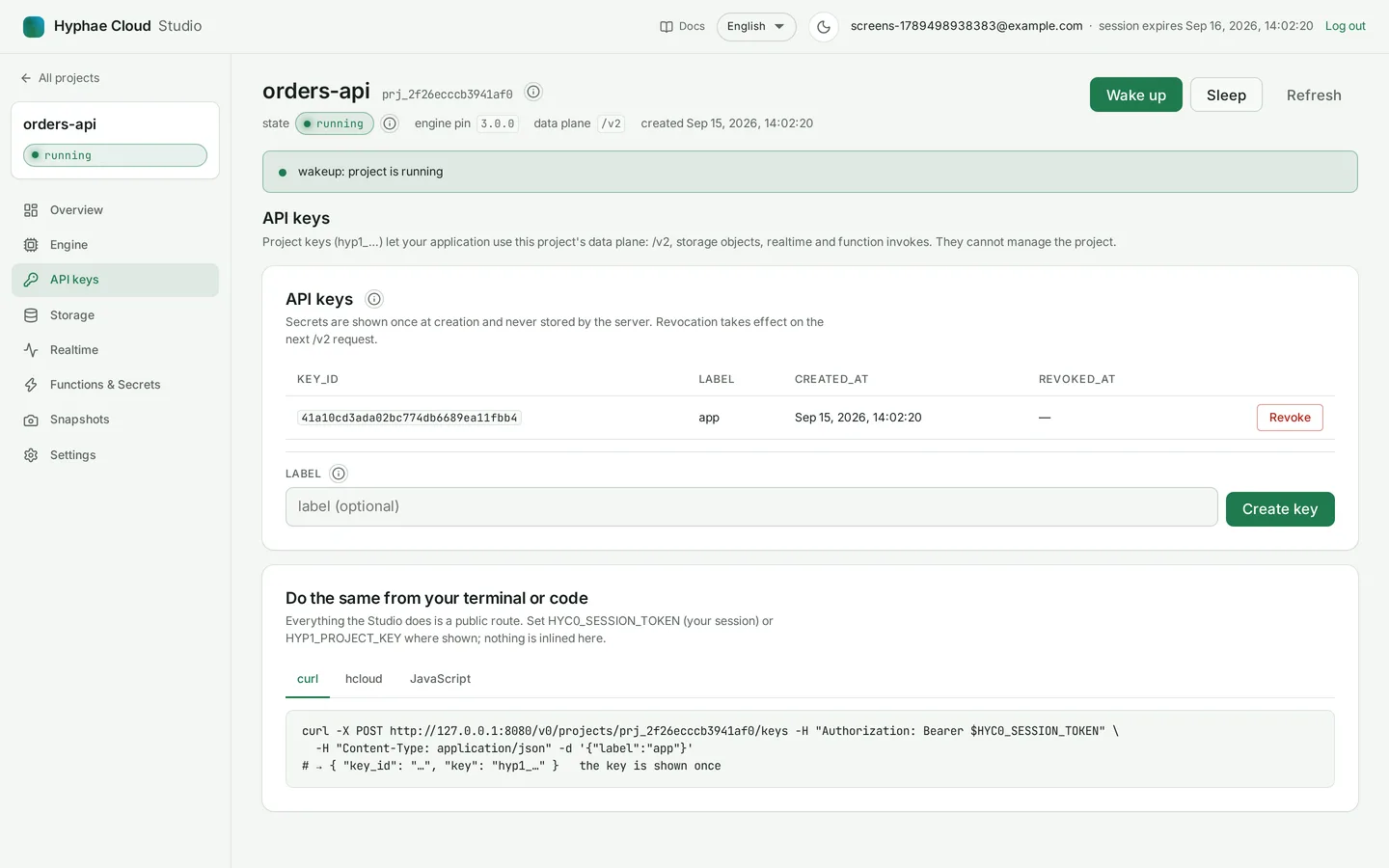
A key is shown exactly once, at creation, and listed by key id afterwards. Revoke is one click and takes effect on the next request.
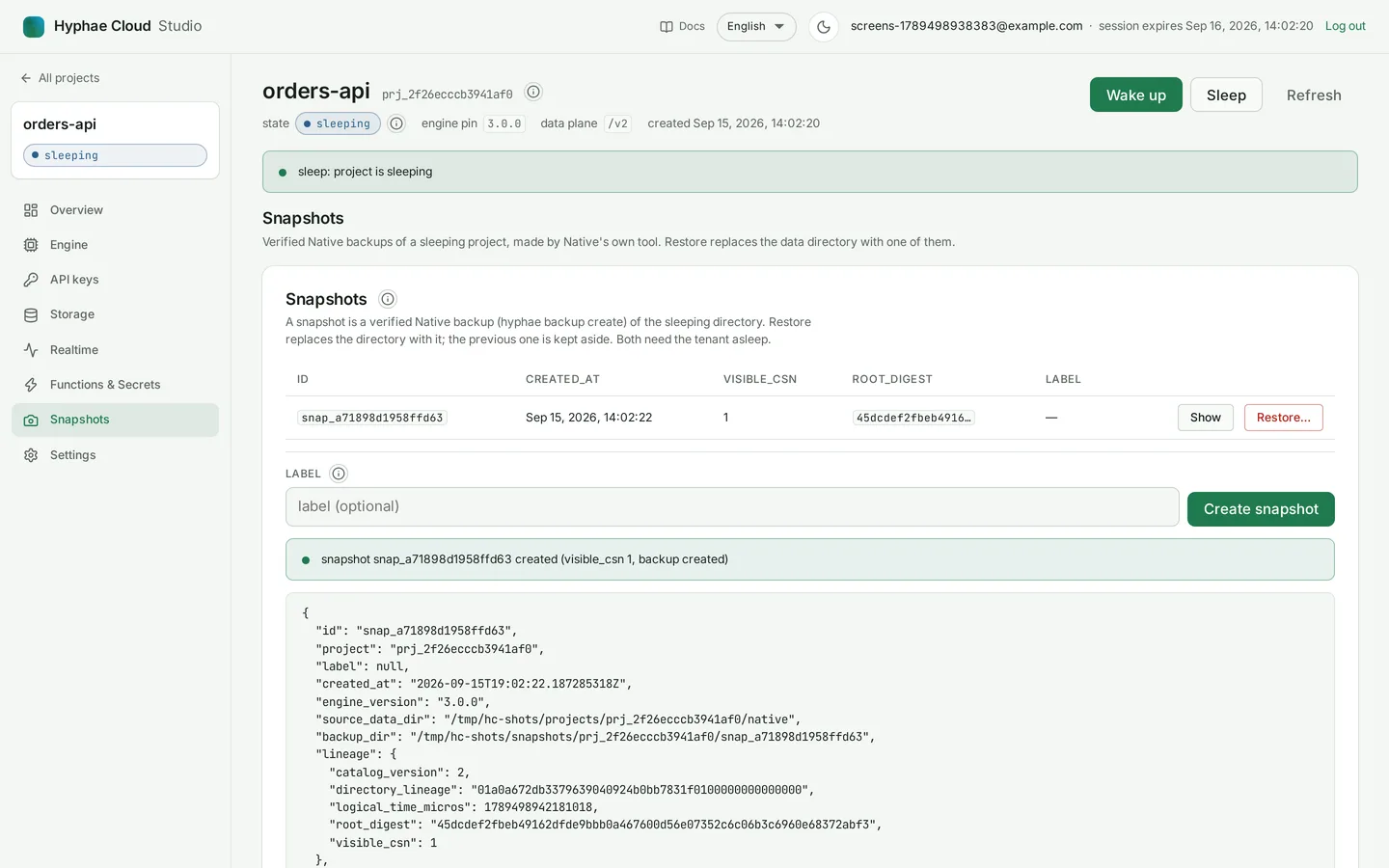
Create on a sleeping project, restore with an explicit confirmation, and read the engine's visible_csn and root_digest for each one.
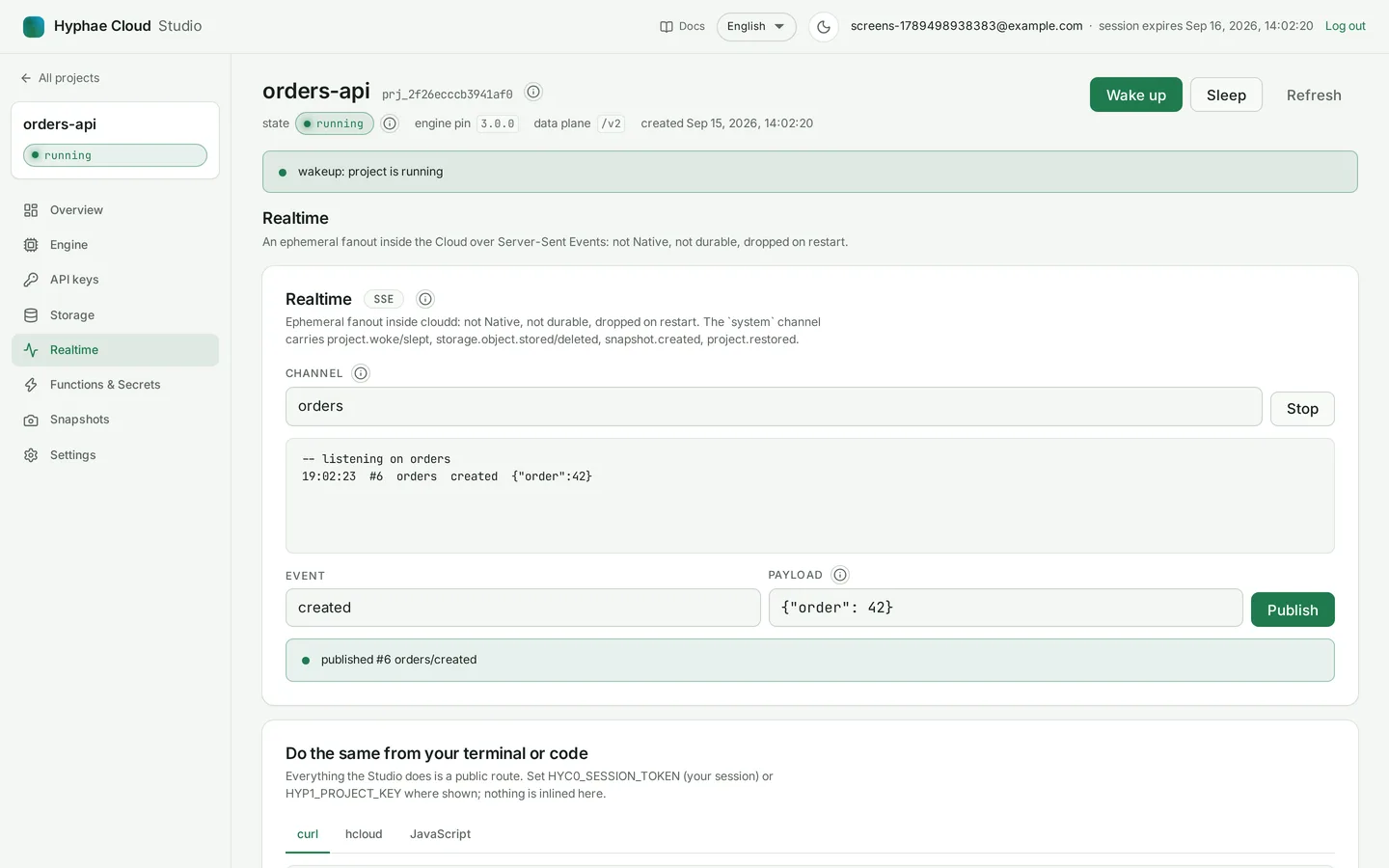
Buckets and objects with their state and etag; a live channel log you can publish to from the same page.
View the realtime capture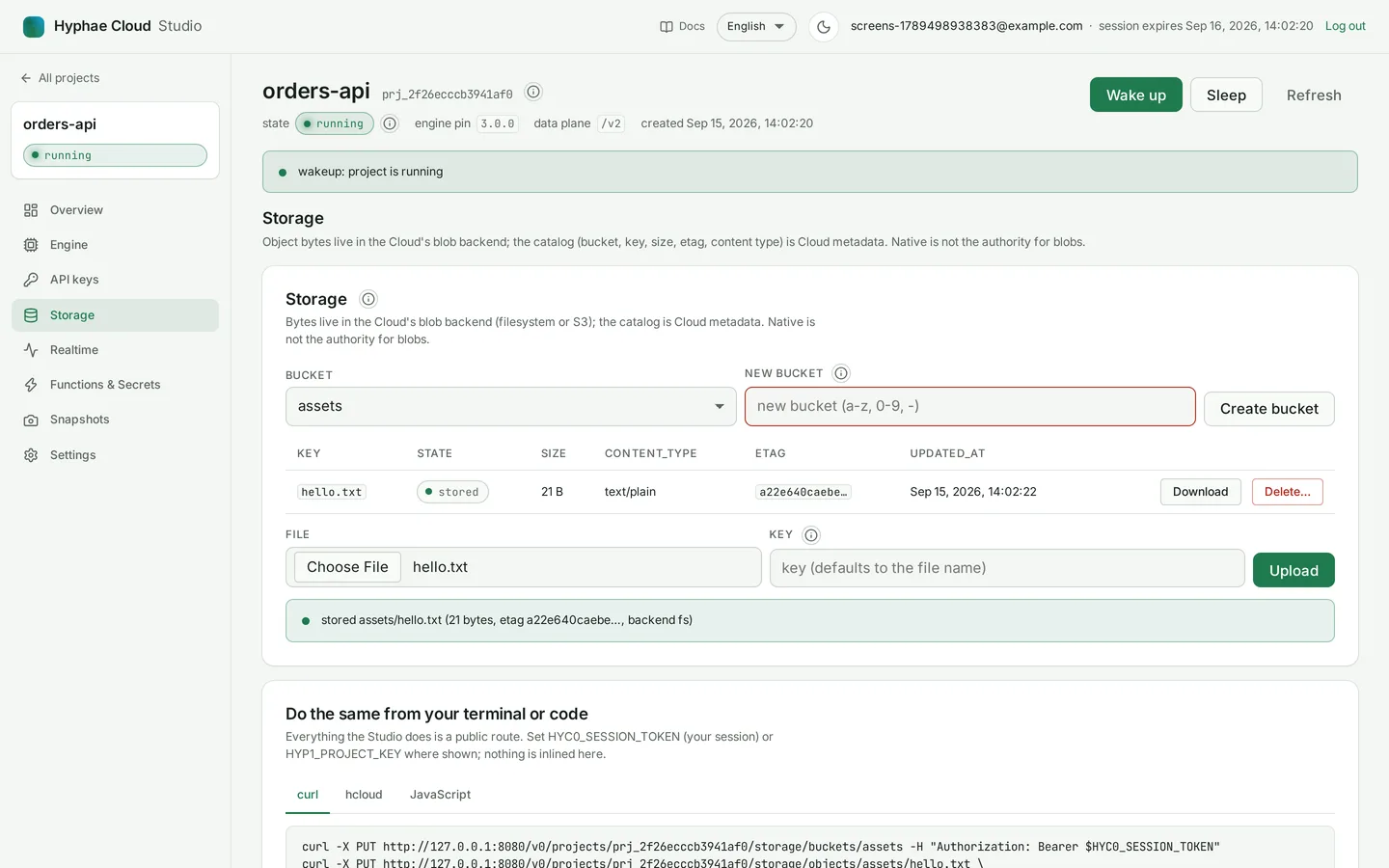
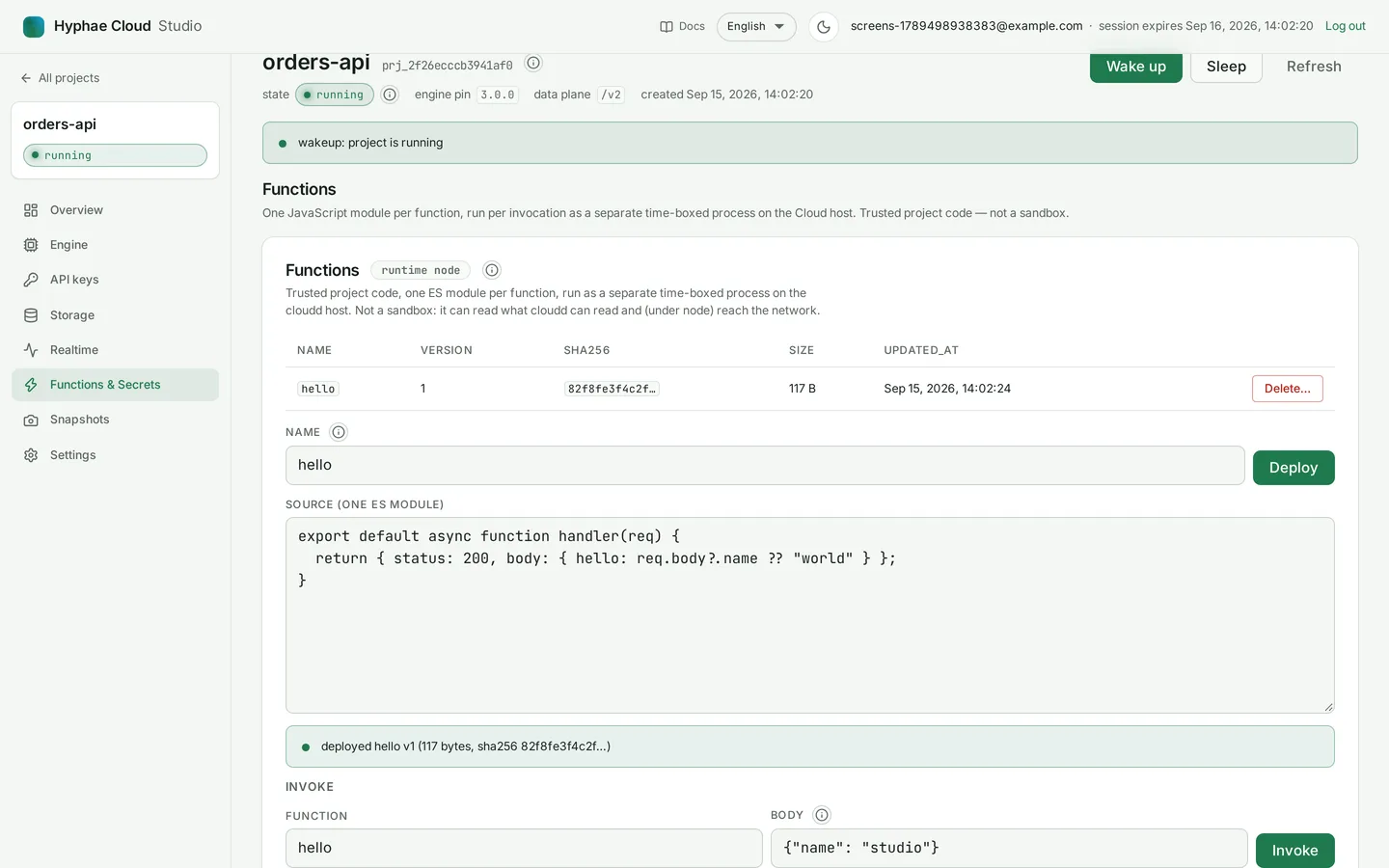
Deploy a file, invoke it with a JSON body, read the answer with its status. Secrets are set through a password field and never rendered again.
Every card and field carries an explanation that links into this documentation, in English or Spanish, with the server's error codes shown verbatim.
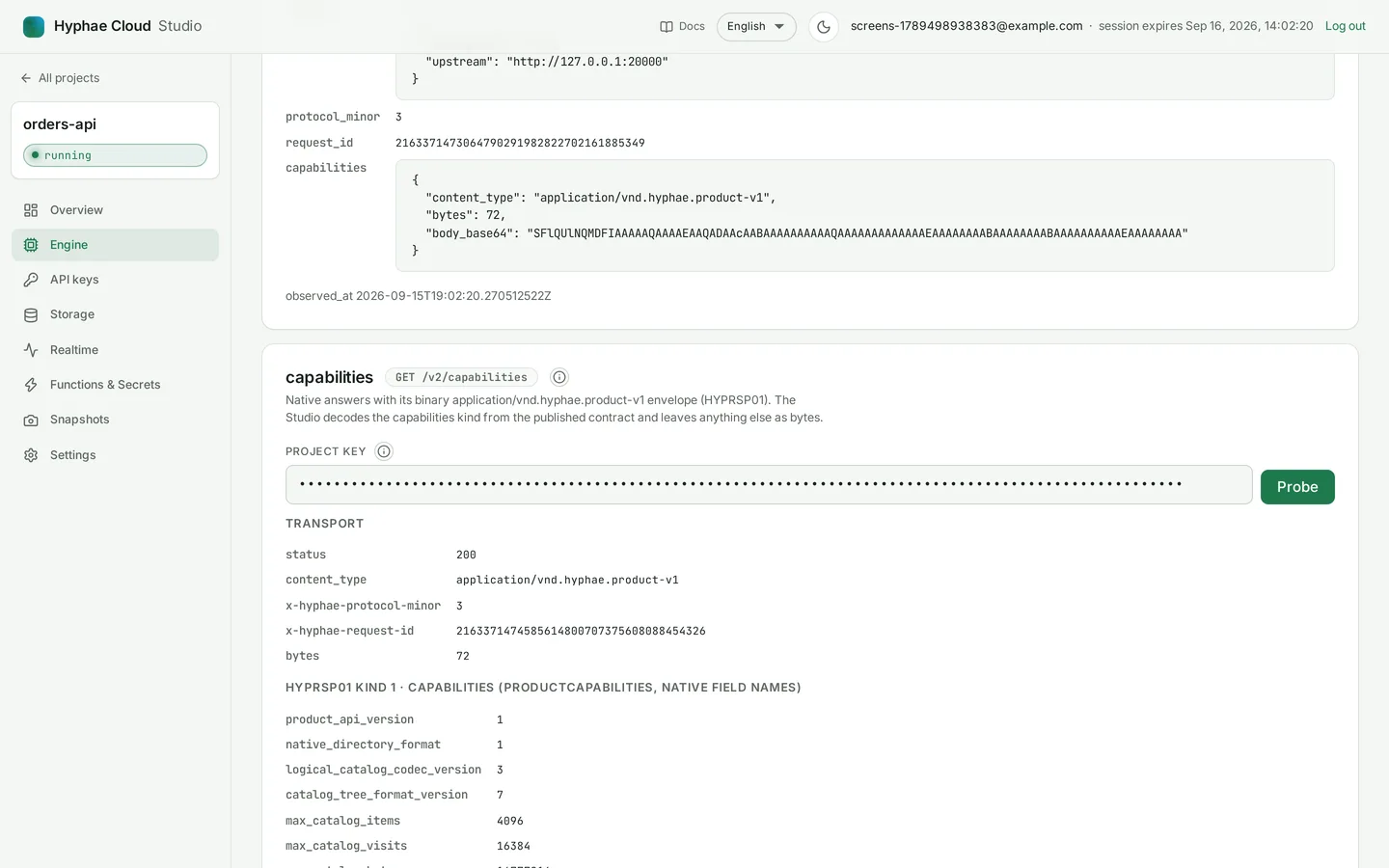
Screens are captures of the Studio in its light theme, English, taken by a script against a local daemon. Learn more
Bounded by design
Over budget fails with a typed error; nothing partial is forwarded. The full table, with every error code, is in the reference. reference/limits · reference/errors
Not high availability: no failover, replication, clustering or geographic redundancy. One project is one process on one host.
Not PostgreSQL, not "full SQL", not a drop-in replacement for any database, and not compatible with any other hosted backend's API or client library.
Not a multi-tenant engine kernel: projects on the same host share its CPU, disk and network, and the Cloud adds no isolation beyond what its documentation states.
Not TLS termination inside the daemon, and not encryption at rest for project data. A front holds the certificate; function secrets are the one encrypted exception.
Not durable realtime, not sandboxed functions, not Native-proved blobs, not point-in-time recovery, not branching.
Not an SLA, an uptime figure, a latency or cost figure, or a support commitment — none has been produced.
Where it runs
Hyphae Cloud runs at infra-hyphae.run since 2026-09-15: one instance, one volume, the daemon on loopback behind Caddy and CloudFront, blob bytes in one S3 bucket. Signup is closed behind invite codes while the service is in development. The deploy, its permissions and its smoke test are documented step by step.
Read the deploy recordGet started
Accounts, projects and keys live on infra-hyphae.run; this site only points there. If you have an invite code, the Studio asks for it at signup. If you don't, tell us what you want to build.